

Overview
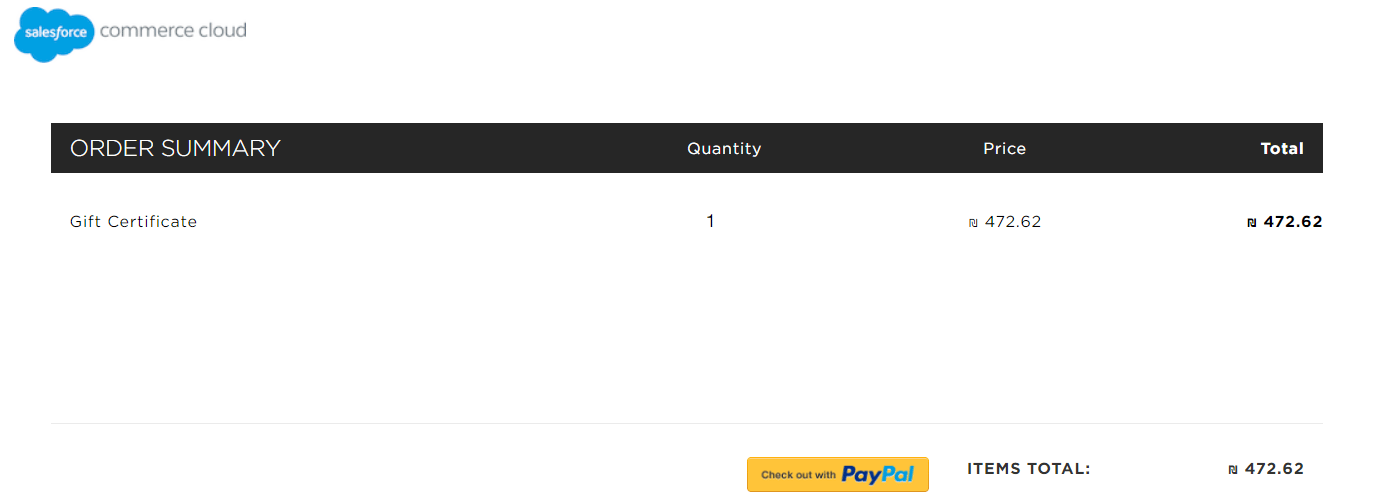
Global‑e cartridges support:- Purchasing Gift Cards as regular products
- Using Gift Cards on Global-e checkout
Purchase of Gift Cards
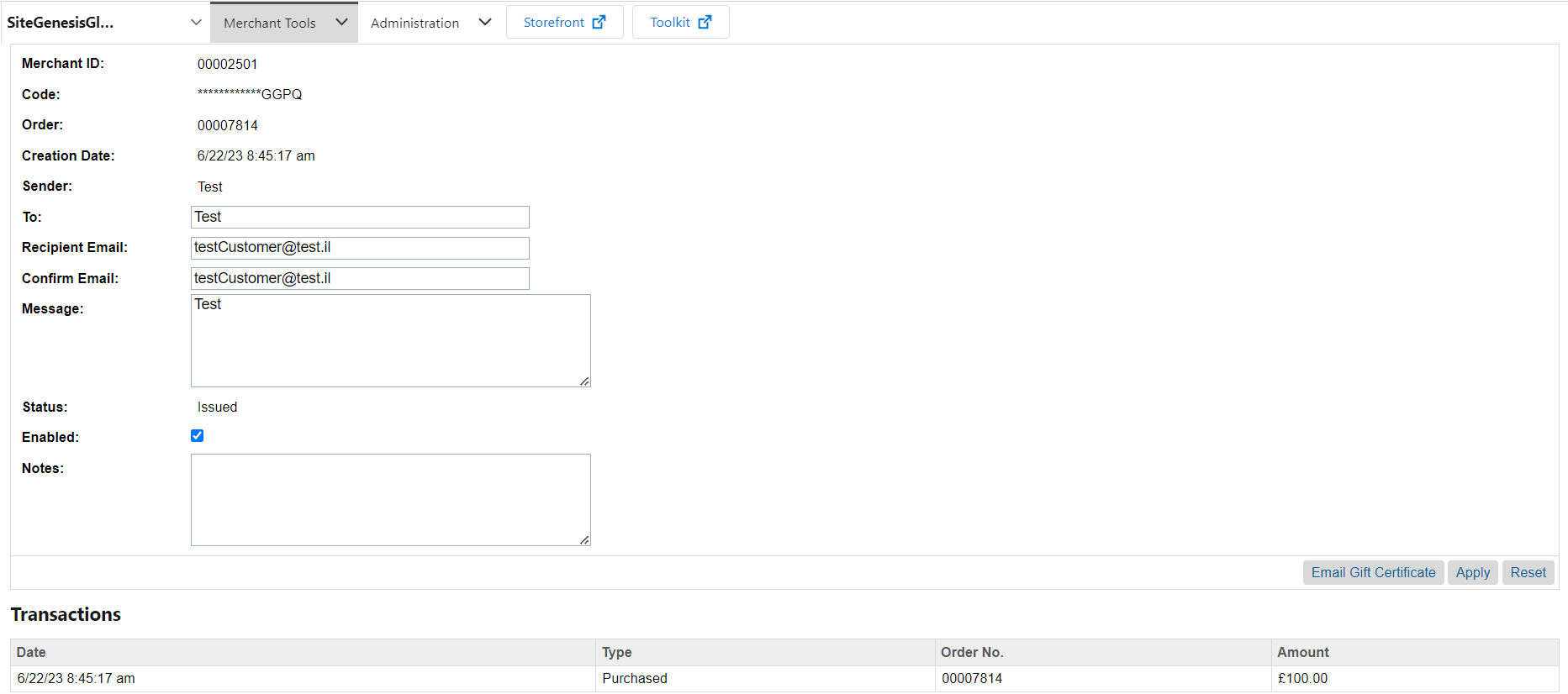
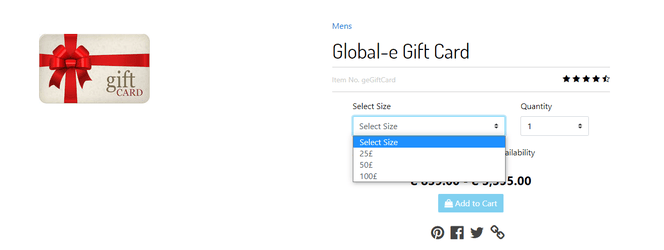
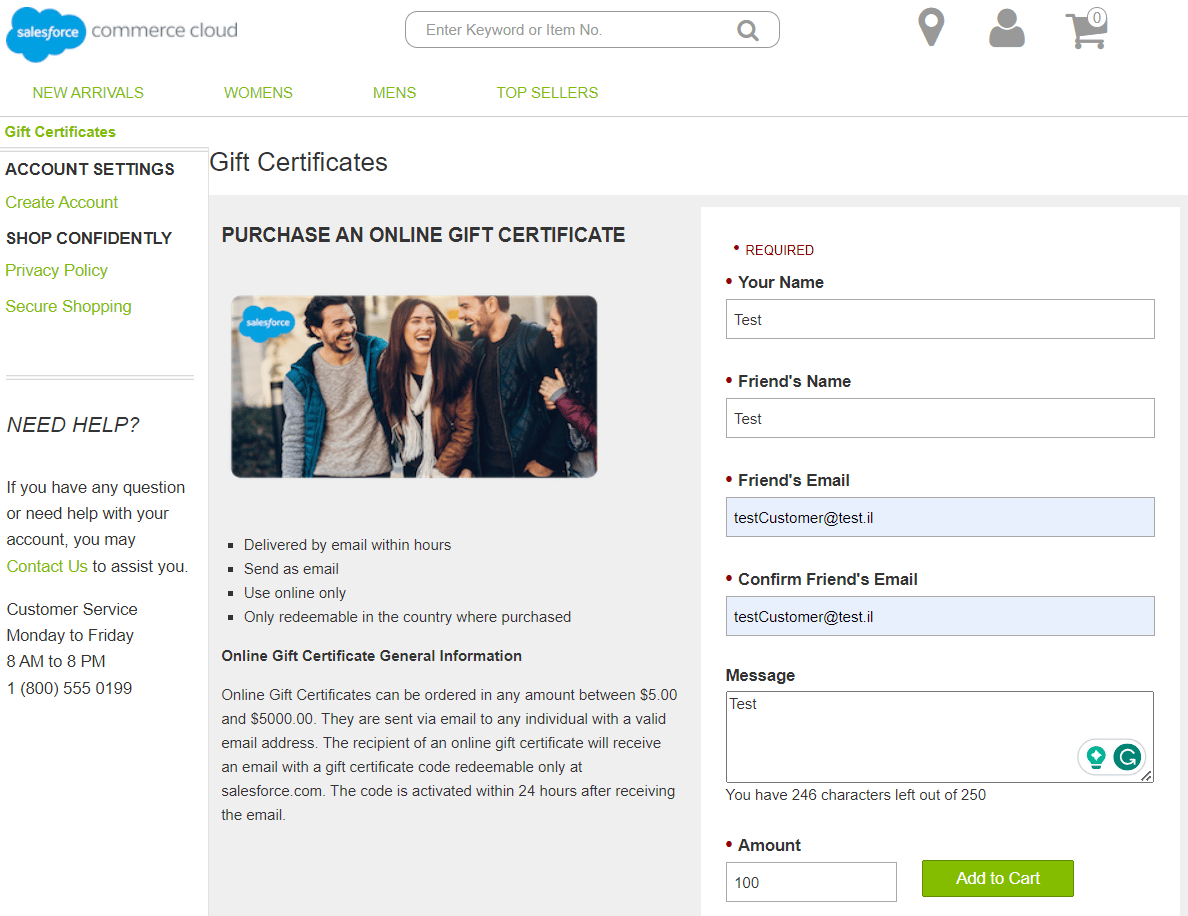
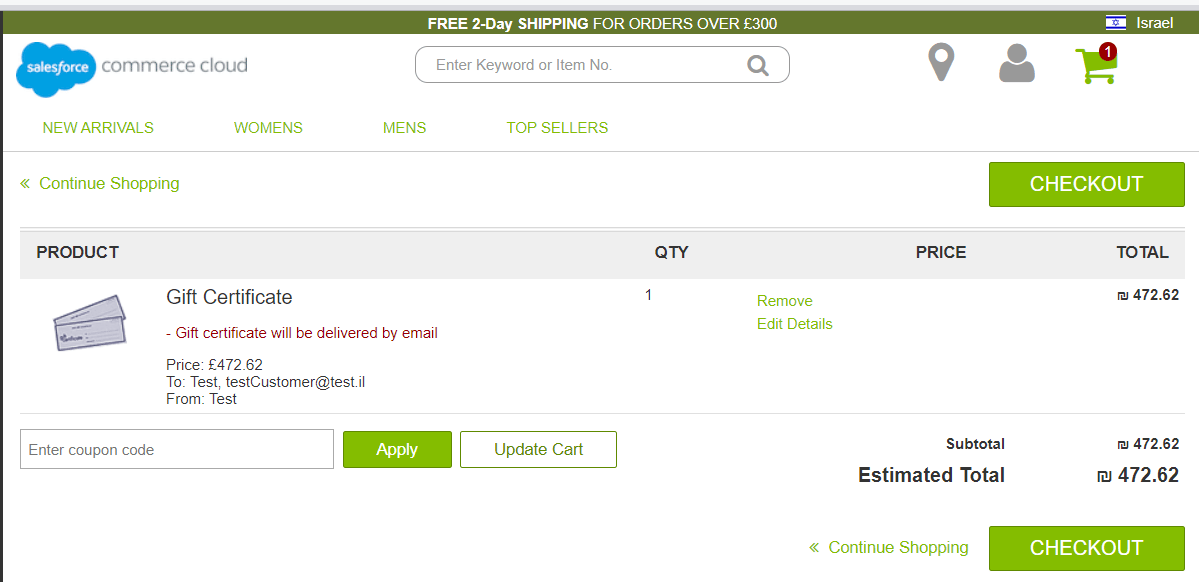
Gift Cards can be added to the basket and purchased like any other regular product. Here is how to configure a gift card:- In SFCC Business Manager, create a new product.
-
For this product, check the product custom attribute Is Globale Gift Card which identifies the product as a Gift Card.
The product can be configured as a single or as a master with variation products that will be used as different amounts of Gift Card.


Using Gift Cards
“Validate” API call-
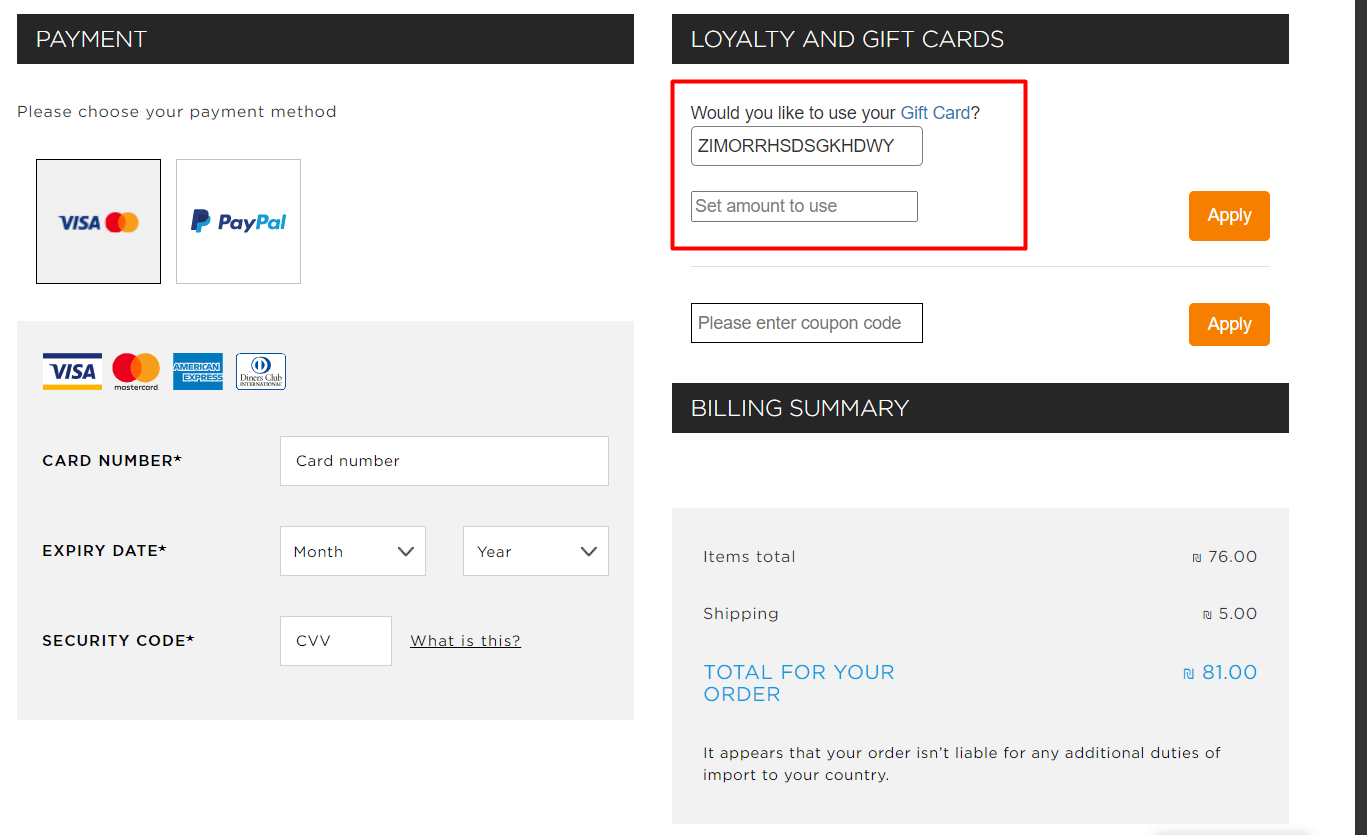
The customer enters all card data and clicks Apply to apply for a Gift Certificate.
Note: the count of fields for card data is configurable on the Global-e side and can be configured according to the project’s needs. There can be one field with Card ID, two fields with Card ID and Card PIN, etc.
-
Global-e sends a ‘Validate’ request to SFCC.
The request payload is parsed and SFCC checks if the card exists.
-
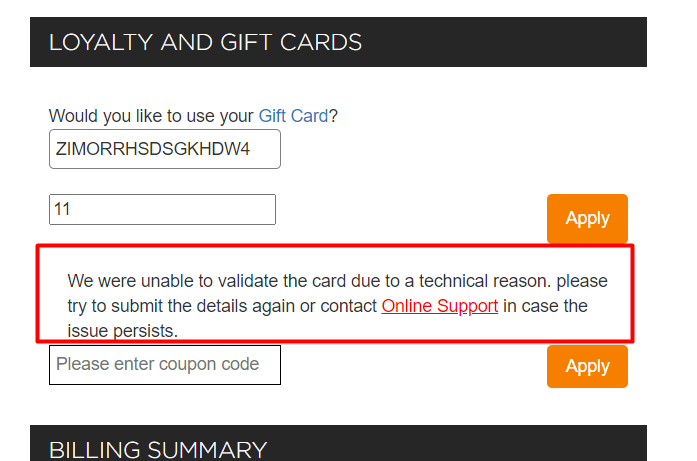
If the card is not valid SFF responds with an error message.
-
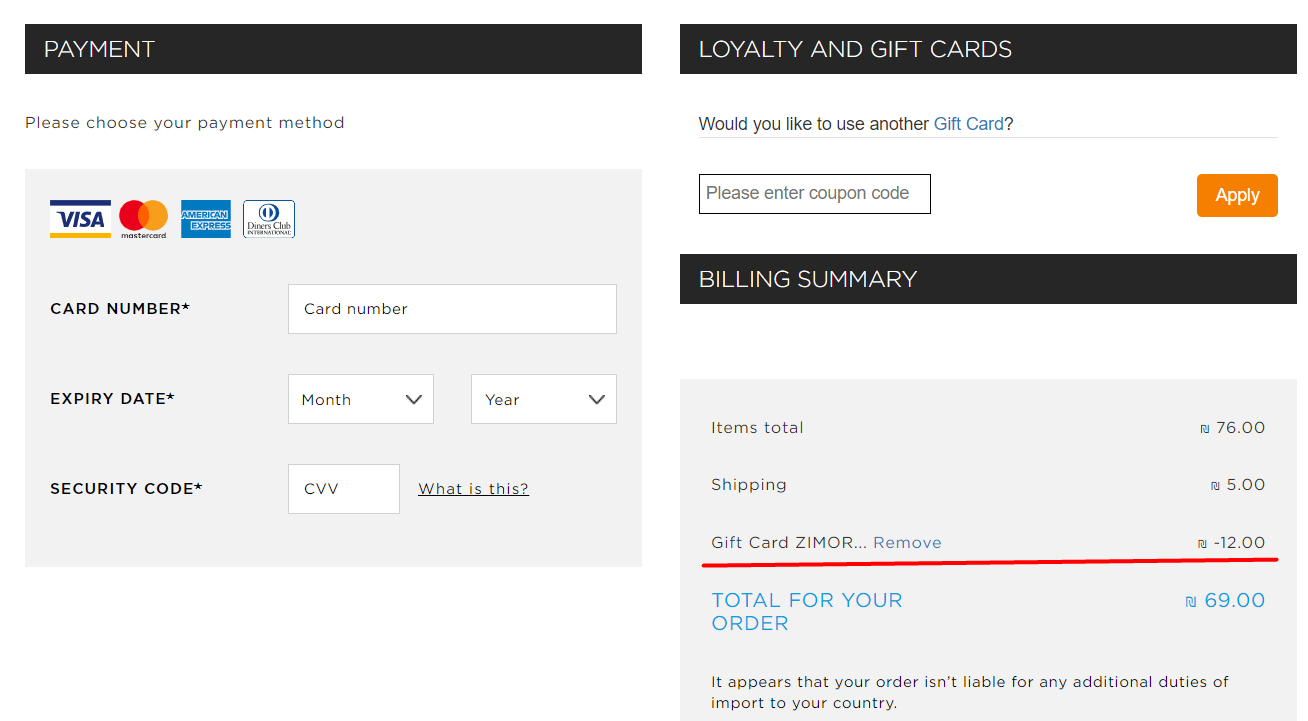
If the card is valid:
- The card balance is converted to checkout currency.
- The UI of the Gift Cards section notifies the customer about the successful card application.
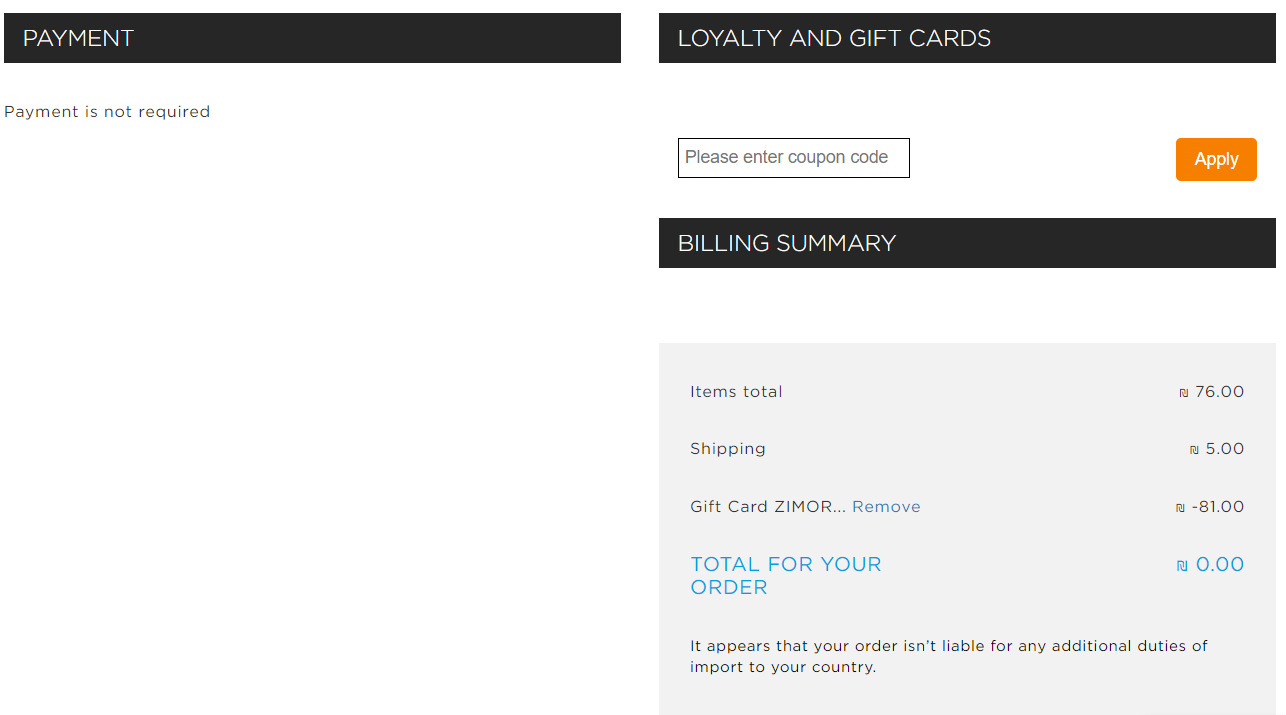
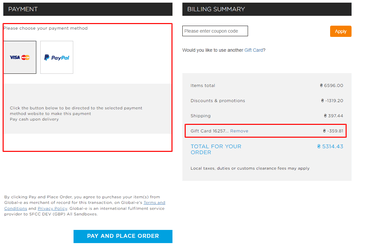
- The totals section is reloaded with information about how much money will be compensated from the Gift Card.
-
If the card is not valid SFF responds with an error message.
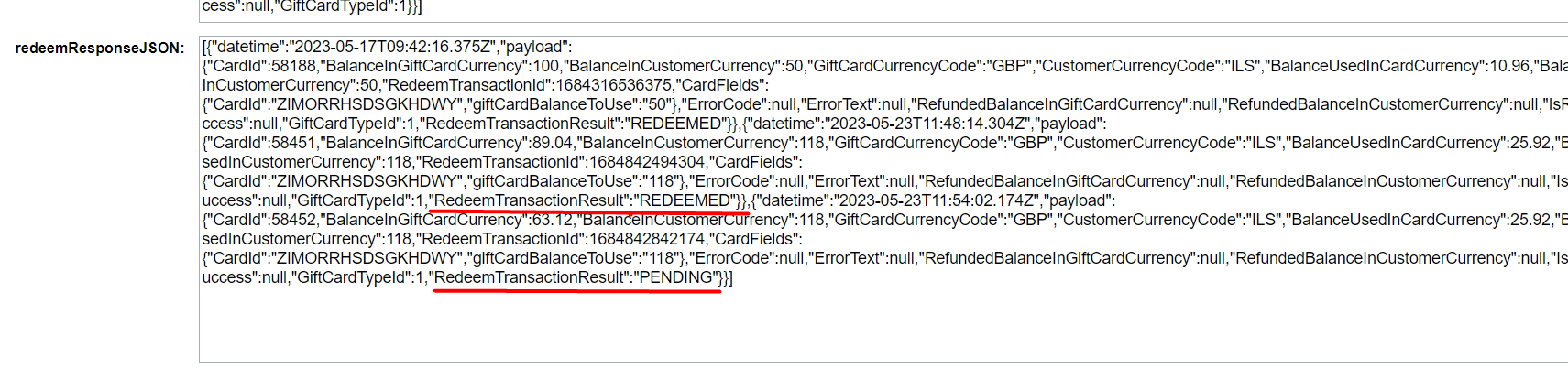
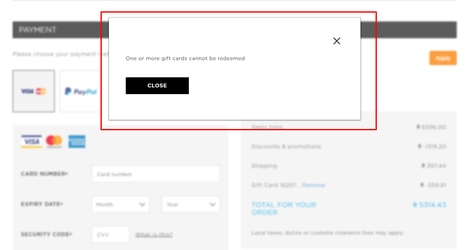
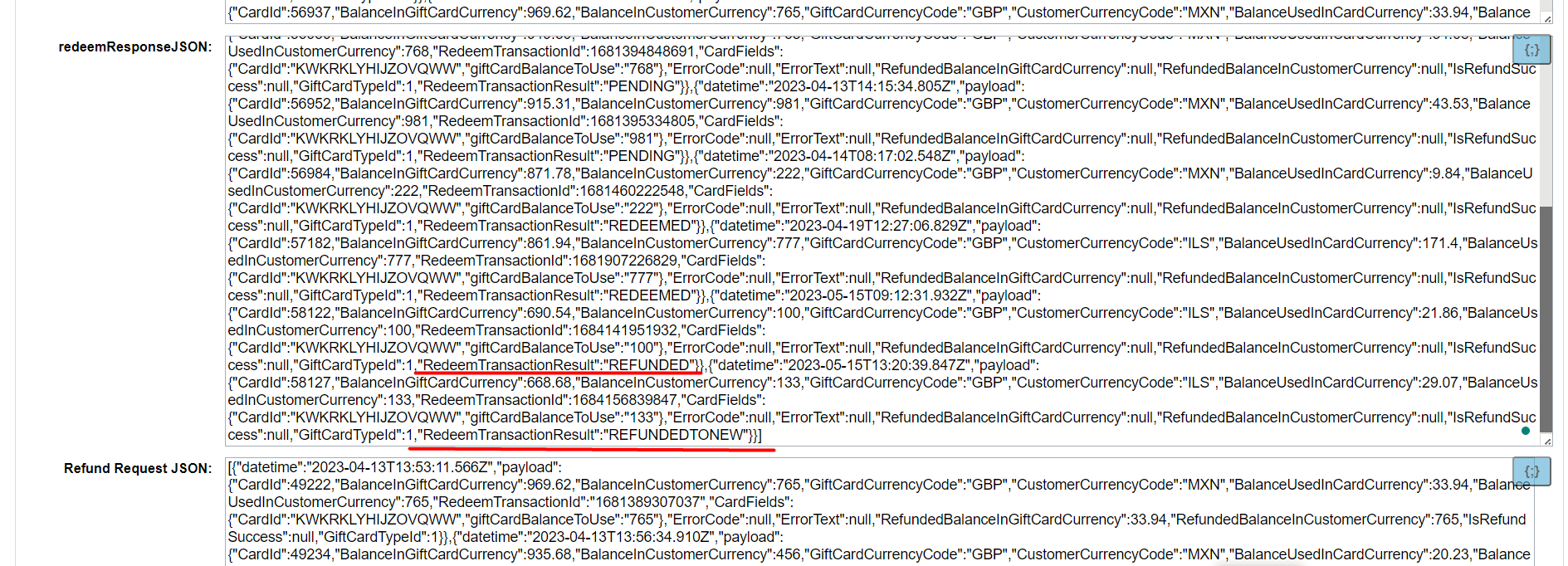
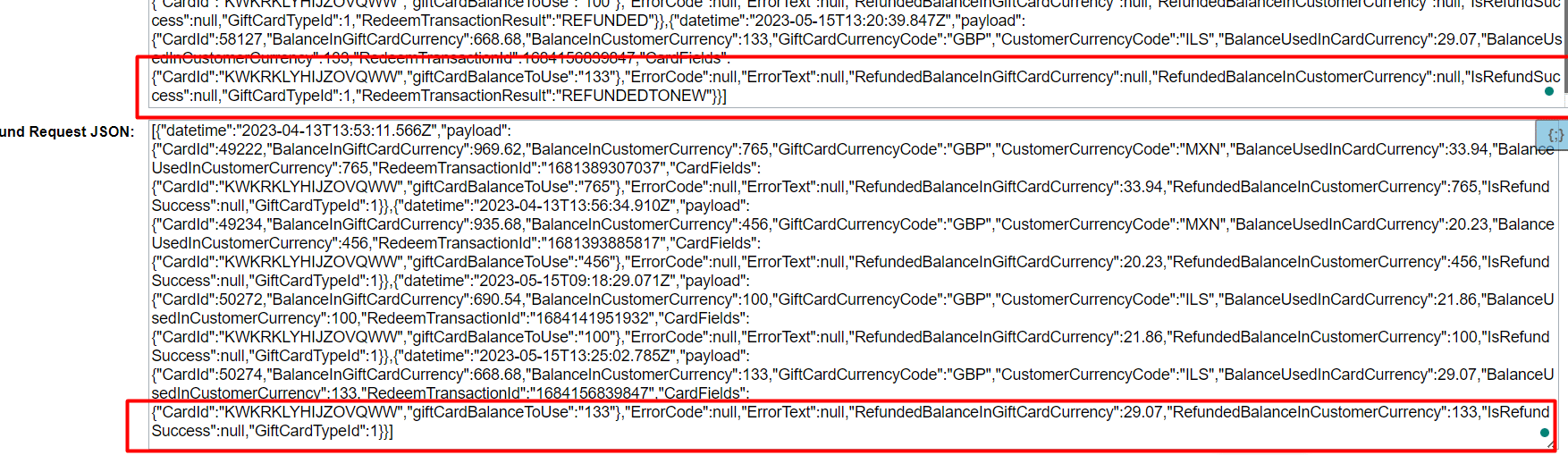
RedeemTransactionResult has the status PENDING, it will be changed to REFUNDED. If RedeemTransactionResult has the status REDEEMED, a new SFCC Gift Certificate will be created with the refund amount, and the RedeemTransactionResult status will change to REFUNDEDTONEW.
Required customization
Purchase To enable the ability to buy Gift Cards as regular products via Global-e checkout changes need to be made to the code. The following steps should be implemented:-
SFCC hook
In the project’s extended cartridge (or depending on used SFCC architecture in ‘int_globale_sfra’/’int_globale_sitegenesis’) a hook handler should be added for the SFCC hook that is triggered during the payment update.
Path: ./hooks.json
-
Hook’s handler
Path: ./cartridge/scripts/globale/hooks/onAfterPaymentUpdate.js
The logic for creating gift cards should be added in the hook’s handler.
Example