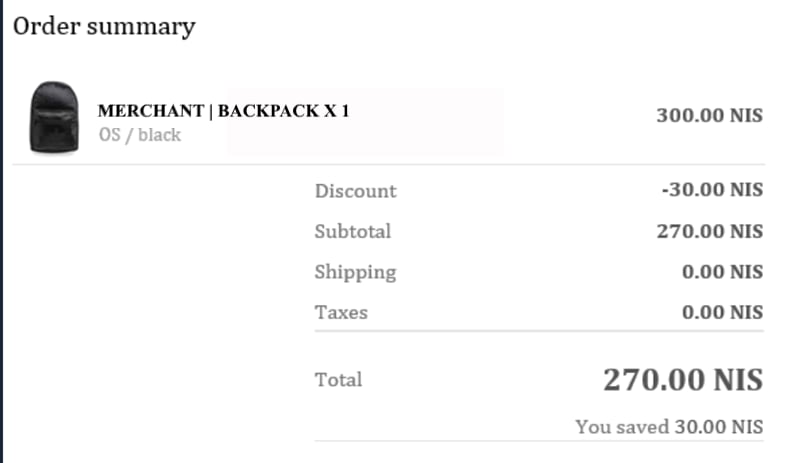
Include Duties in Your Email Templates
The following templates are located under Shopify Admin > Settings > Notifications.
  • Order Confirmation
  • Order Cancellation
  • Pending Payment Success
  • Order Refund
To include duties in your email templates, use the following code:
To exclude the Taxes line when the amount is 0, adjust your template as shown below:
Draft Order Invoice Notification
Adjust the Draft Order Invoice notification per Merchant to ensure that the invoice:
  • Does not display a zero value for shipping and taxes
  • Does display Calculated at checkout.
If your Draft Order Invoice notification template contains a condition for delivery_method == “pickup’, use the snippet below:
If your Draft Order Invoice notification template does not contain a condition for delivery_method, use this snippet instead, replacing your domestic country code on line 1 where indicated.
Prevent Payment on an Expired Order
To prevent a situation in which a customer receives an e-mail to resubmit payment for an expired Global-e order, you must adjust thePending Payment error notification e-mail. The Pending Payment error email can be edited in the Shopify Admin by going to Settings > Notifications > Customer Notifications > Pending payment error > Edit code. Find:
Replace with:
Find:
Replace with:
Remove “Total paid today”
If you prefer to exclude the “Total paid today” from the order confirmation emails, you can do so by removing the below code block from the notification template. Please note that this code block will appear twice, so you will need to remove both instances.